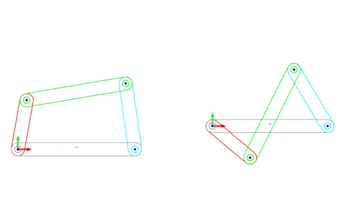
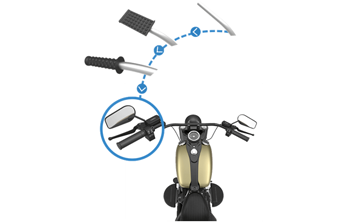
Turn objects into sketch blocks and create new objects by inserting blocks and quickly changing their sizes.
Geometry Healing
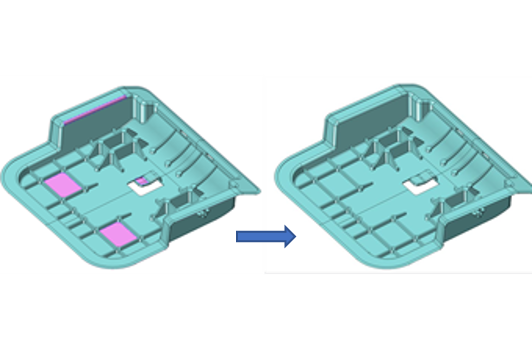
Analyze and quickly repair abnormal conditions (e.g. open edges, gaps, duplicate faces, intersection loops) found in the geometry of imported files.
Layer Manager
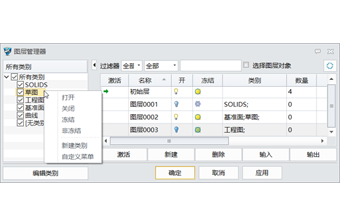
Quickly sort and organize model features in 3D: easily arrange layers via the Category attribute; control and edit layers with the Filter and Select Object in Layer functions.
Customize Features
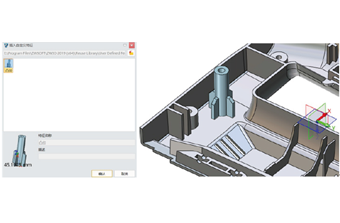
Create one feature with all features of some geometries so that you can easily reuse features and avoid repetitive work.
Intelligent Design Tools
Raster images can be embossed on the surface of your model nice and quick with the Emboss command. Morph and Winding can be used for objects, surfaces, and STL models.
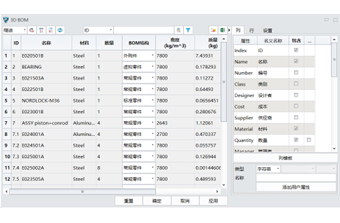
3D BOM
The attribute information of all parts can be displayed in rows and columns of a 3D BOM, edited, and directly exported to 2D engineering drawings.
Flexible Sub-Assembly
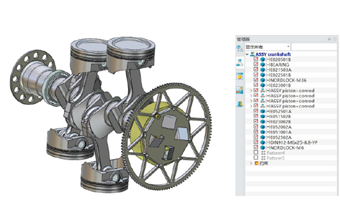
By changing the degrees of freedom of the sub-assembly in the general assembly, you can continue changing the sub-assembly components with DOF in the general assembly.
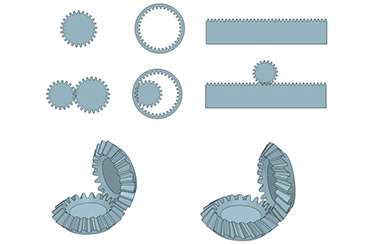
Gear Generator
It can quickly generate spur gears, bevel gears and worms and wheels as parts or assemblies and customize parameters at all levels.
Automatic Annotation
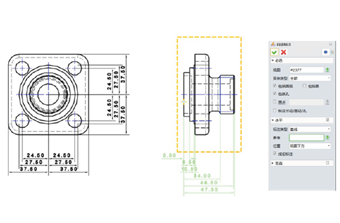
Efficiently generate linear/diameter/radius/hole dimensions and so on with all the objects in a view or annotate the selected objects.
PMI Annotation
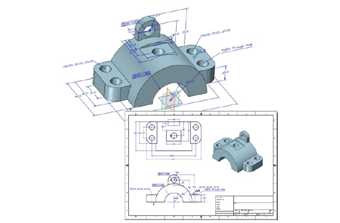
You can add annotations to the 3D model. All the PMI objects can be listed in the view manager and directly exported to 2D engineering drawings.
Sheet Metal Design
Complex sheet metal design can be completed with Bend, Loft, Louver, Punch, etc. The imported files can be converted into sheet metal parts for unfolding, bending, or design. The advanced FastBlank functions allow you to generate the unfolded effect.
Reverse Engineering
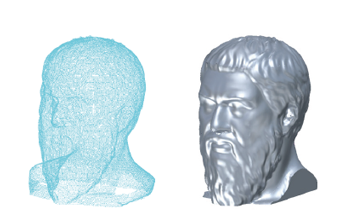
Prepare point cloud data for surface generation by deleting, trimming, dividing, simplifying the imported point cloud. A perfect mesh can be created from the processed point cloud and automatically converted into a NURBS surface.
Piping Design
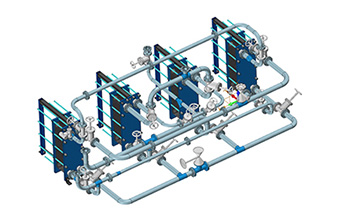
By offering a variety of pipe routing methods, a library of standard parts, and the automatic addition of flanges, gaskets, and joints, it covers all aspects of piping design.
Harness Design
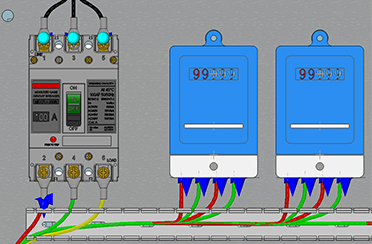
It can plan, modify, and manage harnesses quickly to help you complete harness design in less time.
Structural Design
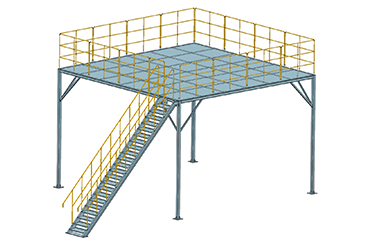
It offers various standard and non-standard profile types. It can quick modify structure’s joint types, add profile elements, and generate a structural cutting list.
Mold Design
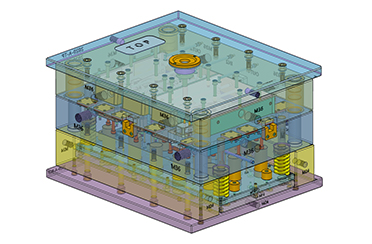
It can cover the whole process of plastic mold design with data repair, product manufacturability analysis, rapid parting, standard mold base library, automatic drawing, electrode design, and more.
New Motion Simulation Modules
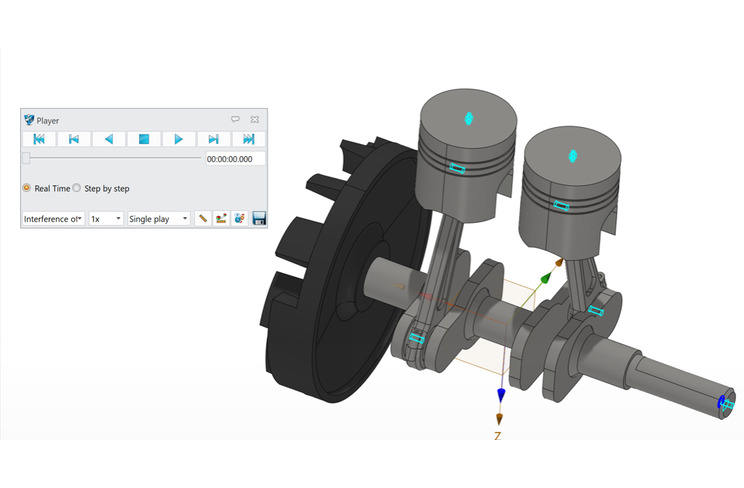
Turn objects into sketch blocks and create new objects by inserting blocks and quickly changing their sizes.
Abundant Simulation Analysis Types
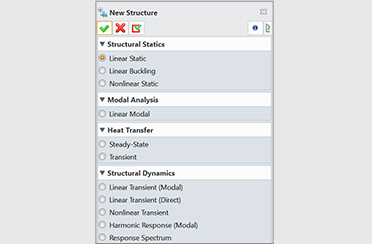
Analyze and quickly repair abnormal conditions (e.g. open edges, gaps, duplicate faces, intersection loops) found in the geometry of imported files.
Abundant Mesh Types
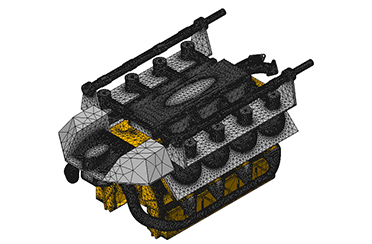
Quickly sort and organize model features in 3D: easily arrange layers via the Category attribute; control and edit layers with the Filter and Select Object in Layer functions.
Extensive Constraint and Load Types
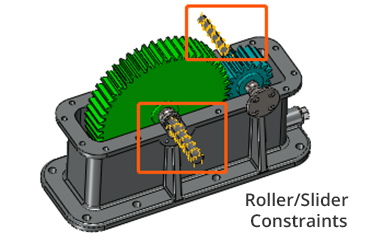
It supports constraints including fixed constraints, rollers/sliders and fixed hinges, structural loads including force, pressure, torque, line load and gravity, and thermal loads including temperature, thermal power, heat flow, convection and heat radiation.
Extensive Library of Materials
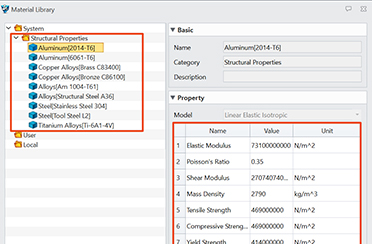
You can access commonly-used materials conveniently and customize material properties according to your specific needs.
Powerful Post-processing Capabilities
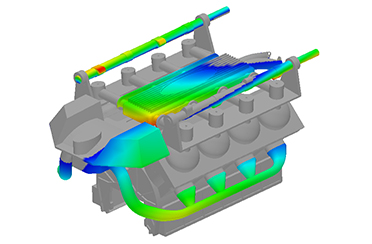
Simulation results can be presented in various ways, such as result clouds, lists, and animations. You can also customize results, probe results and generate simulation result reports.
2-Axis Milling
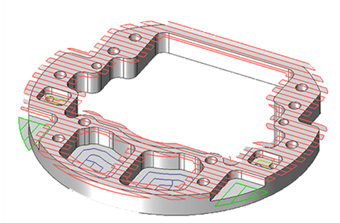
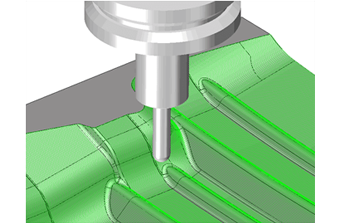
Features such as holes, grooves, and steps in parts can be automatically recognized so that efficient drilling programs and milling toolpaths can be generated according to user needs, greatly reducing your programming time.
Superior Roughing Strategies
Volumill™ for ZW3D can help generate optimized toolpaths with 50%-80% machining cycle time saved. Plus, the full depth of cutters can be used, sparing costs of cutting tools up to 75%.
3-Axis Milling
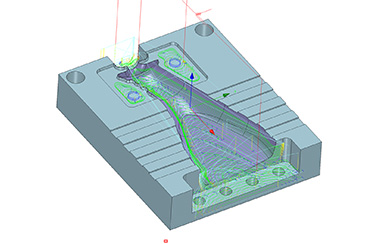
Over 40 types of 3X machining operations are available so that you can deal with all kinds of manufacturing work at ease. With QuickMilling, smooth toolpaths can be easily generated to guarantee high-quality surfaces.
5-Axis Milling
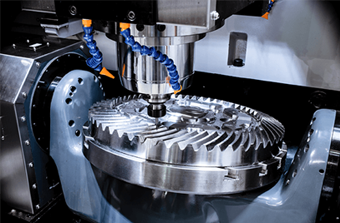
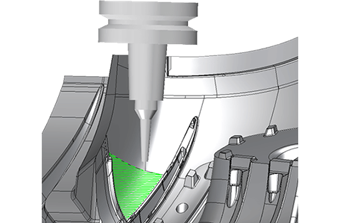
A complete solution for indexing and 4 to 5-axis machining that can work with STL files is available. You can make efficient use of functions like Swarf, Drive Curve, Flow Cut, etc. to produce fine components.
Turning
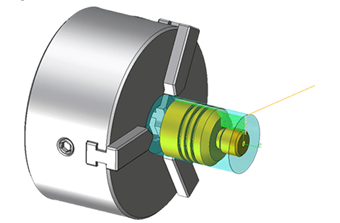
Inside and outside Roughing, Finishing, Grooving, Threading, Facing, and Drilling are easy to use and useful for handling most turned parts. Turning cycles, simulation, and verification expedite the switch from manual programming and machining safely.
Toolpath Editor
Get better toolpaths, improve machining efficiency, and avoid tedious parameter adjustments and toolpath re-calculation. The entire or partial toolpaths can be edited flexibly with tools like Trim, Re-order, Re-link, Extend and Transform.
Simulation and Verification
Wireframe Simulation, Solid Verify, and Full Machine Simulation can realize reliable, efficient, and safe machining by detecting collisions, analyzing residue, etc. to avoid damaged machines, poor quality, and delayed delivery.
Post Processing
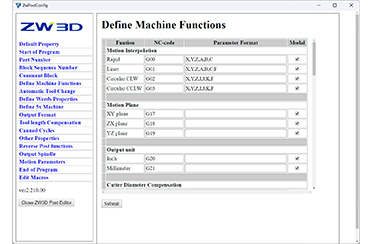
ZW3D comes with more than 80 default post-processors that work with all kinds of CNC milling and turning machines. Professional and localized post-processing support is at your service.